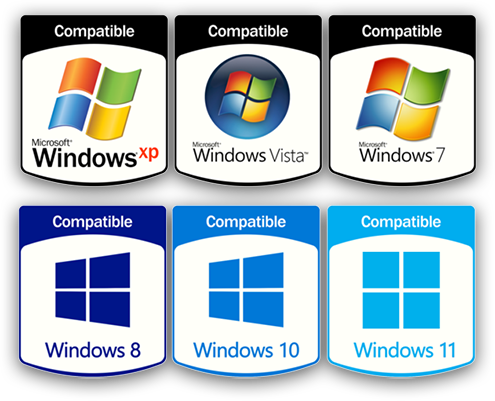
A single, truly compatible tool that simplifies and protects your Remote Monitoring and management.
Do you want to become a reseller? Click here
Accurate Centralized Control
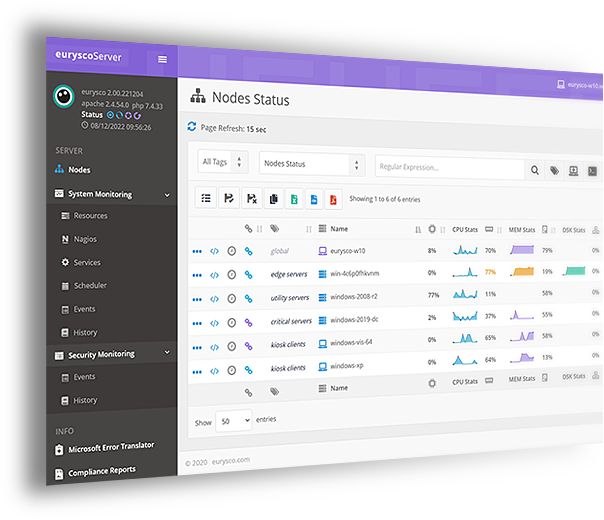
Eurysco gives you Accurate and Centralized Control with Familiar Tools, Customizable Views and Queries of the information retrieved from your Microsoft Systems.
Light
Resilient
Easy
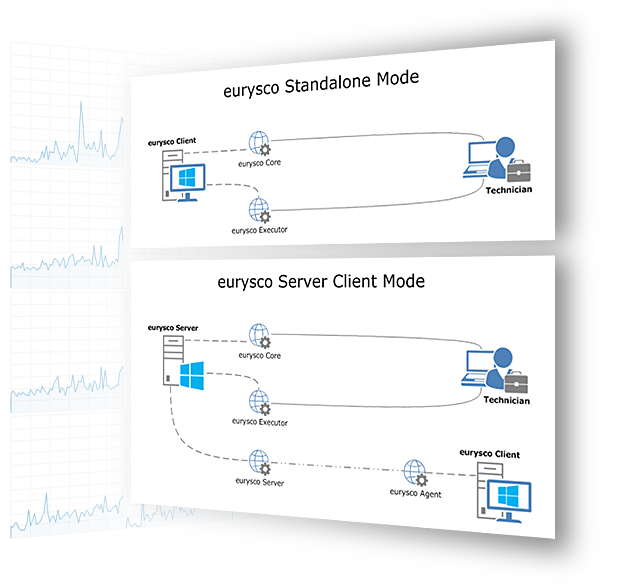
Eurysco is designed to be Light using few System Resources and Resilient with a GUI exposed by Redundant Services and Server easily configurable in HA with Microsoft Failover. It can be installed in a few simple manual steps, in Silent Mode or via Helper Script, allowing it to be easily distributable in your Microsoft infrastructure and easily maintained through Automatic Updates and its own Automatic Internal Certificate Management.
Permissions
Segregation
Security
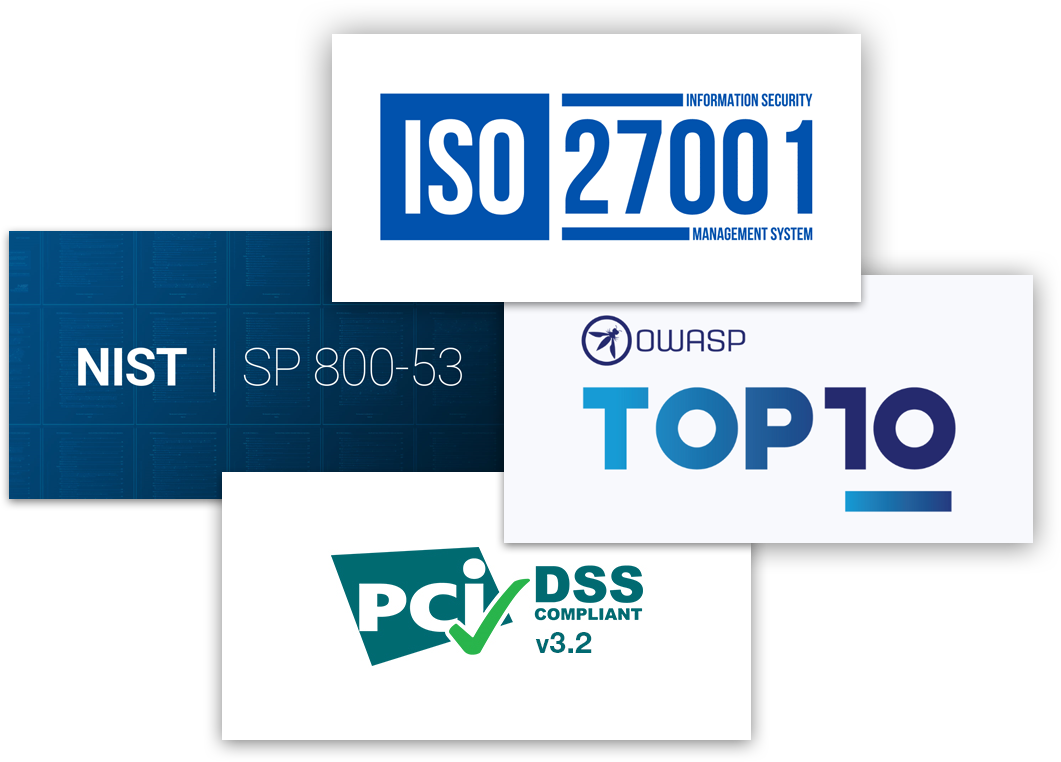
Eurysco has Granular Permission management with Multi-Tenant capability Delegating Access to systems and ensuring Segregation of Duty, with Strong Security technologies and standards such as SSL TLS 1.3, SSL Strong Ciphers, SSL Strong Certificate Algorithms, Strong Internal Data Encryption, Web Application Firewall, MFA to prevent and protect against instrusions and attacks such as MITM, (D)DoS, Brute Force, XSS and Phishing and passing the Acunetix security tests compatible with ISO 27001, CWE 2011, STIG DISA, WASC, PCI DSS v3.2, OWASP 2017, NIST SP 800.53, HIPAA.
Manage Windows Everywhere
Multi-Factor Authentication
Eurysco Multi-factor Authentication (MFA) enhances your access by adding another layer of protection against common security threats, including phishing attacks, credential stuffing, and account takeovers. With MFA, a user must provide two factors to prove their identity (their username and password combination plus a supported verification method) before they can log in to their account. Even if a user’s credentials wind up compromised, the additional factor helps prevent unauthorized access.
Stay Aware
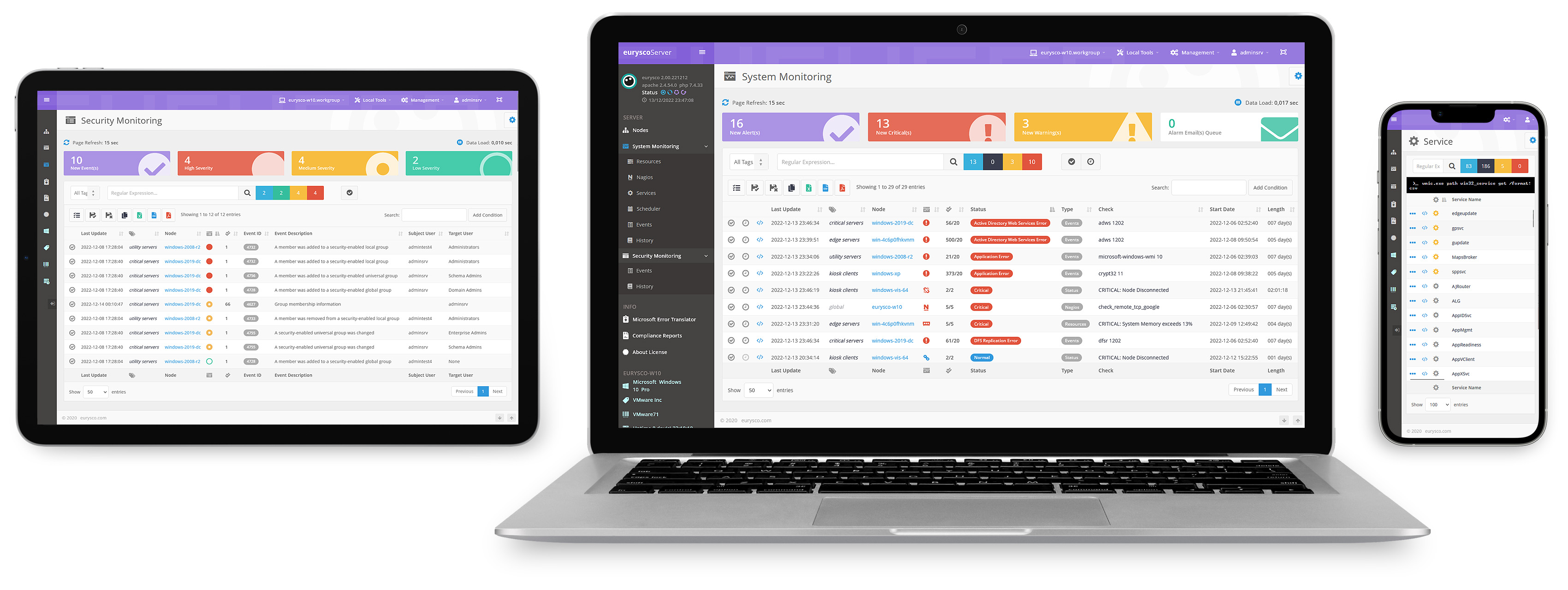
Eurysco give System and Security Monitoring functions in a intuitive and ready-to-use dashboard, with adjustable pre-set parameters and tolerances, Aknowledge and Downtime logics and easy integration with clients Nagios NRPE and NSClient if present on the system.
Simple and Intuitive
Eurysco combines Familiar Tools to manage Microsoft Systems (MMC, CMD, Task Manager, Regedit, Explorer, ...) and Advanced Functions in an interface designed to perform even Complex Analysis and management of your infrastructure in a Simple and Fast way.
-
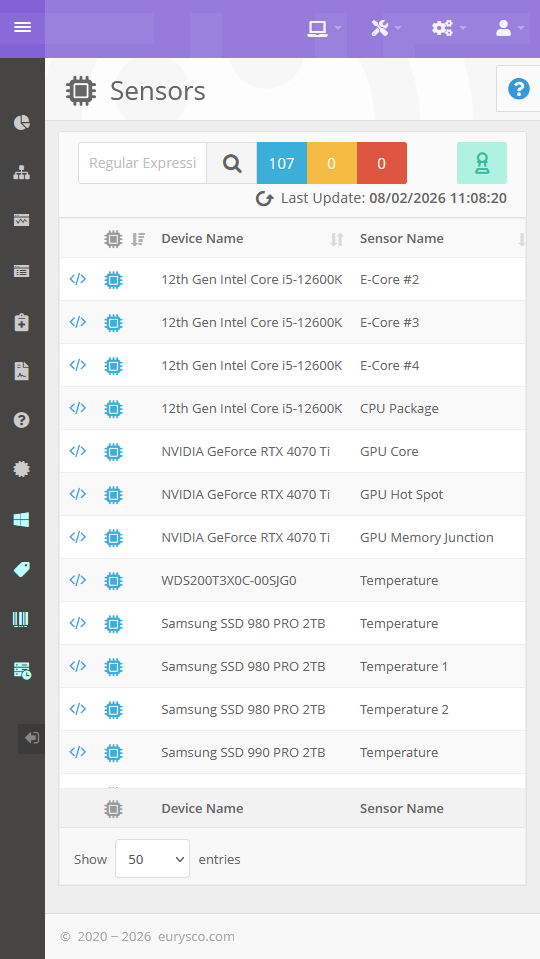
Hardware sensors for temperature, load, power and throughput monitoring.
Hardware detection and display of temperature, load, power and throughput values; provides current readings and operational indicators in real time to monitor device conditions and support management decisions.
-
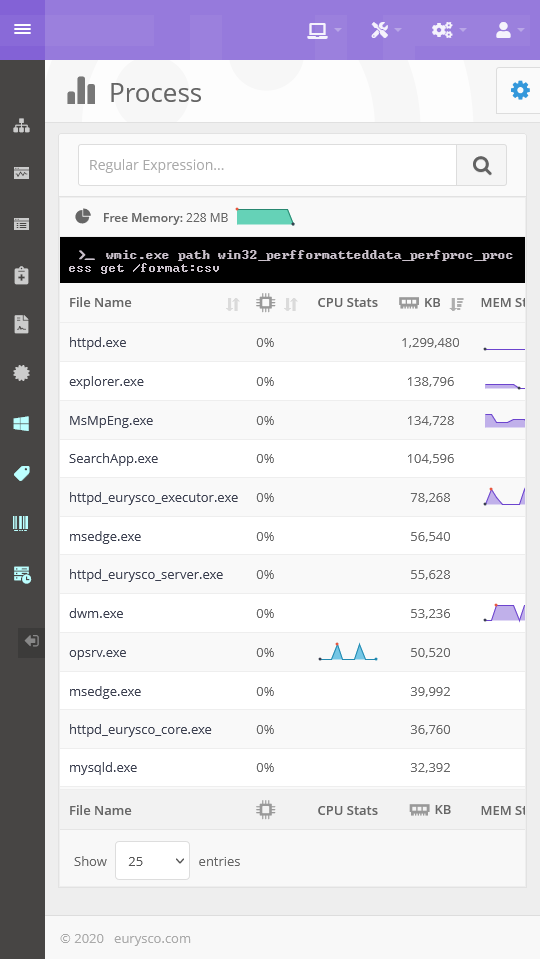
Manage Processes like Task Manager, available directly or centrally and Analyze all related information.
Detailed process information showing resource usage, parent process, related services and image path; includes granular termination commands—single kill, kill by name or kill process tree—with operational control.
-
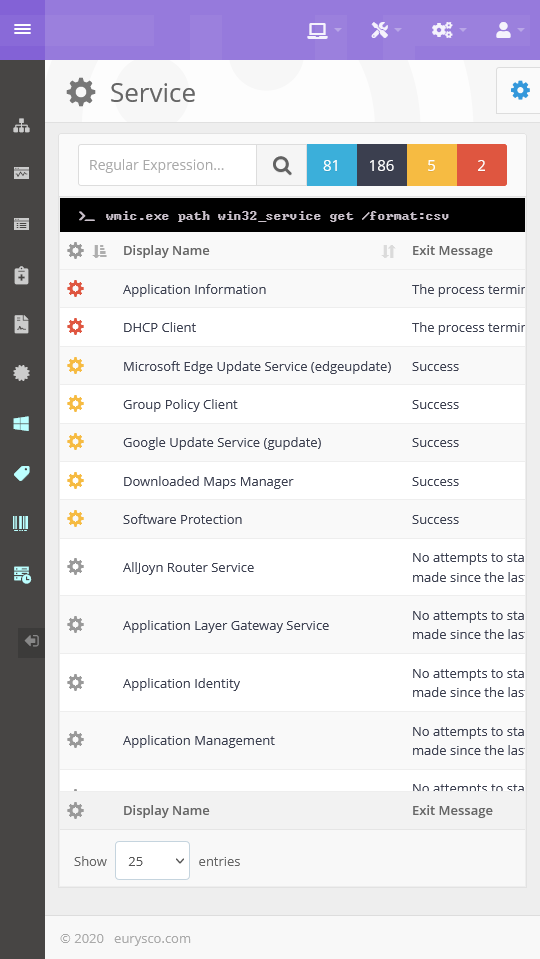
Enterprise service management: dependencies, health status and operational control including cluster contexts.
Monitor and manage services with details on resource use, dependencies, related processes and health status; allows editing startup configuration and performing start, restart or stop operations, including in failover cluster contexts.
-
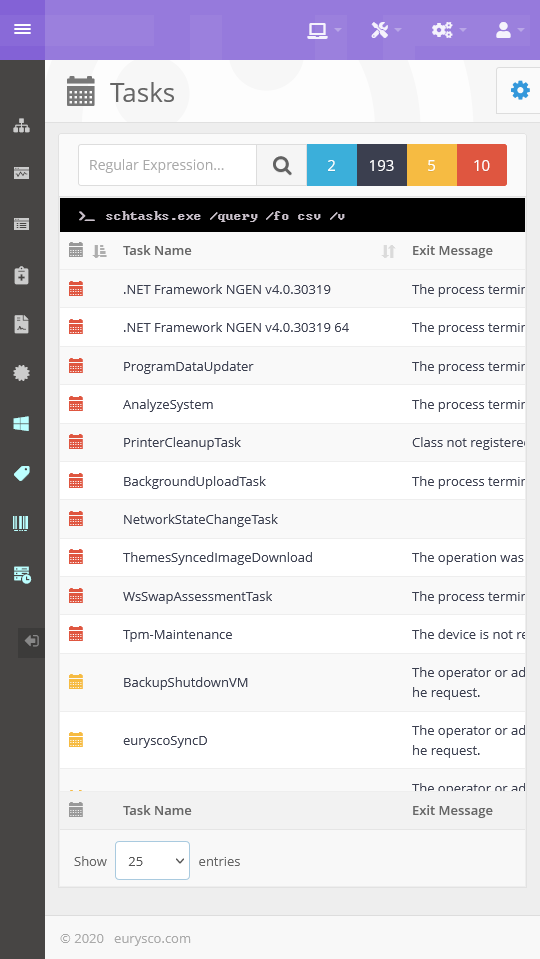
Scheduled task management with full visibility and reliable operational control.
View Detailed Scheduled Task Informations like State, Next and Last Run, Health Status, Configuration and Analyze all related information. Create, Run, End or Delete Task. Change State Configuration.
-
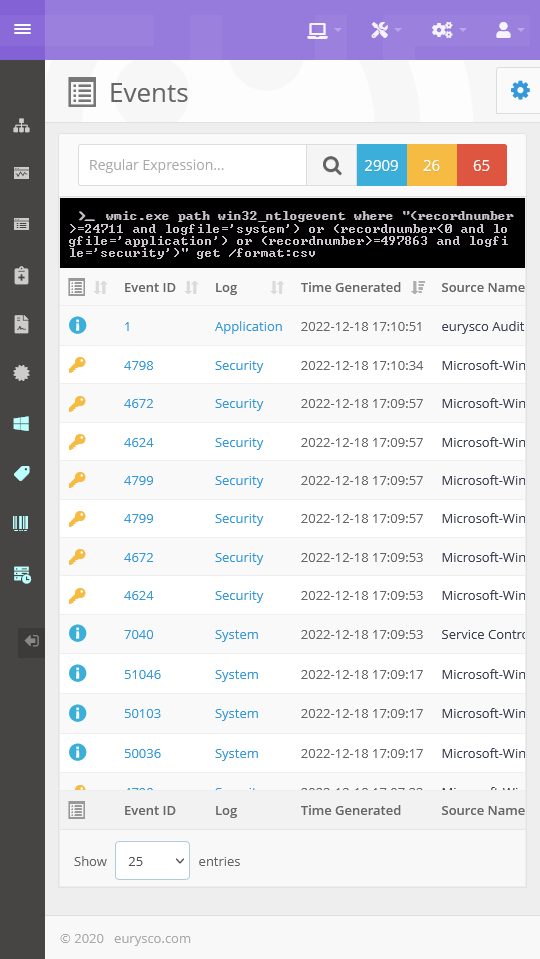
Event viewer with unified event timeline for analysis, correlation and rapid incident response.
Unified timeline displaying events in sequence with detailed information and tools to analyze related data; enables filtering, contextual deep-dive and support for operational troubleshooting.
-
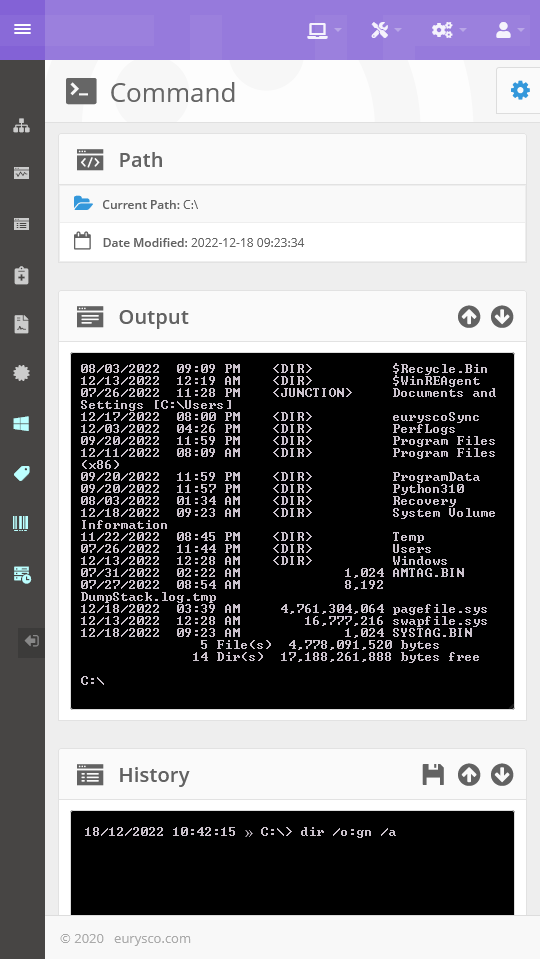
Run Commands Safely like Command Prompt, available directly or centrally.
Run Accepted Commands and Supported by Autocomplete and History Commands, in an Interface with a Familiar User Experience.
-
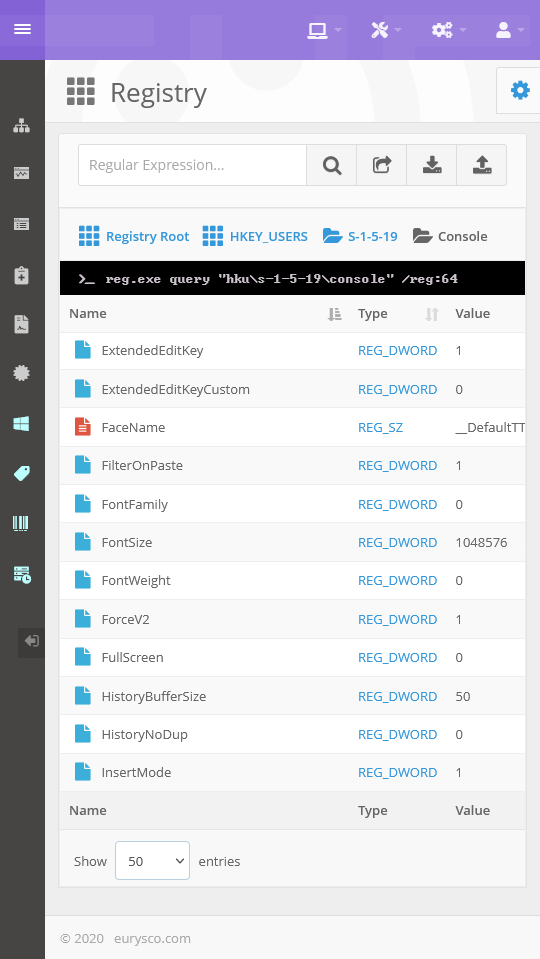
Manage System Registry like Regedit Console, available directly and Analyze all related information.
View Detailed Registry Informations. Create, Change or Delete Key/Value. Jump to Key, Export or Import Registry File.
-
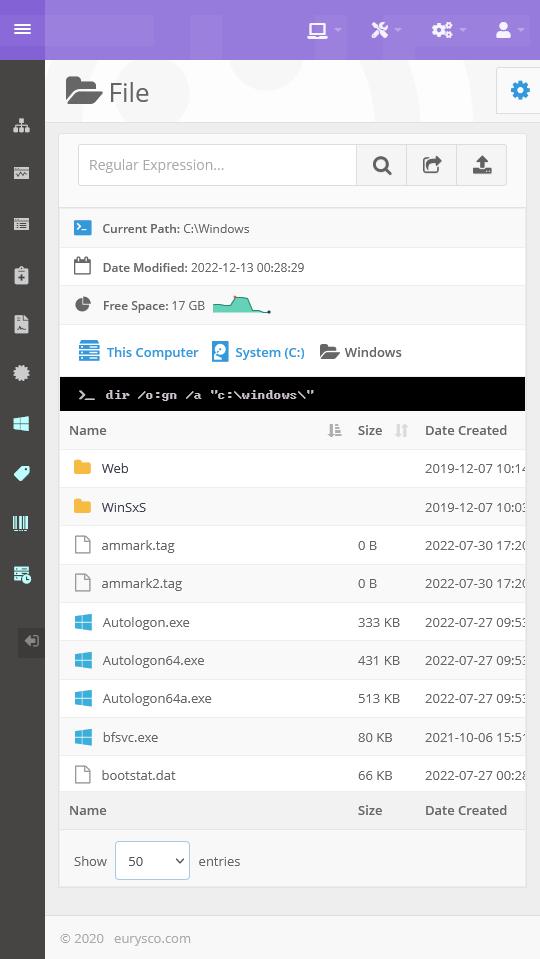
Manage Files and Folders like File Explorer, available directly.
Browse Local or Mapped Network Drive. Create, Copy, Move or Delete Files and Folders. Manage Compressed Archive with 7zip Integration. Upload or Download Multiple Files. Jump to Folder and Tail Text File.
-
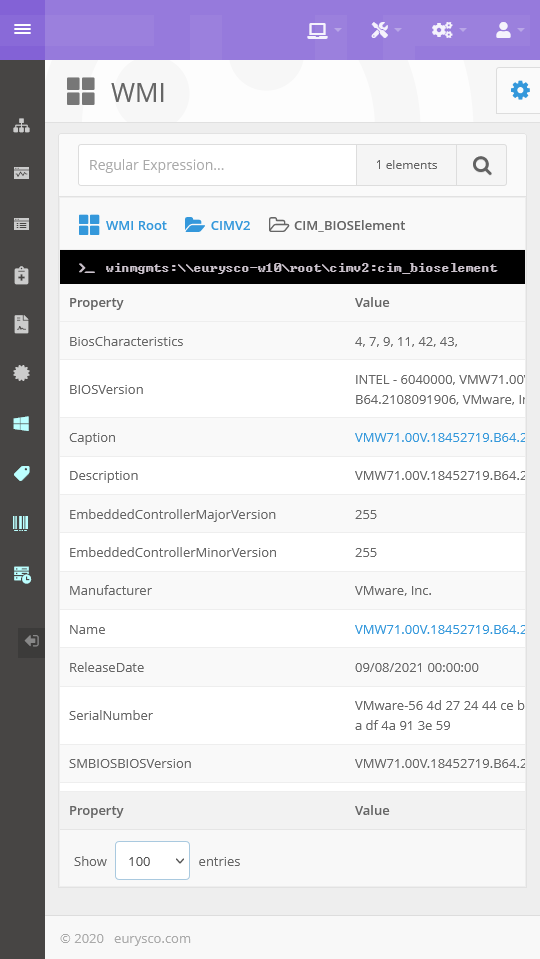
View all WMI Informations, available directly and Analyze all related information.
View all Microsoft or Third-Party WMI (Windows Management Instrumentation) Informations.
Compatible and Complementary